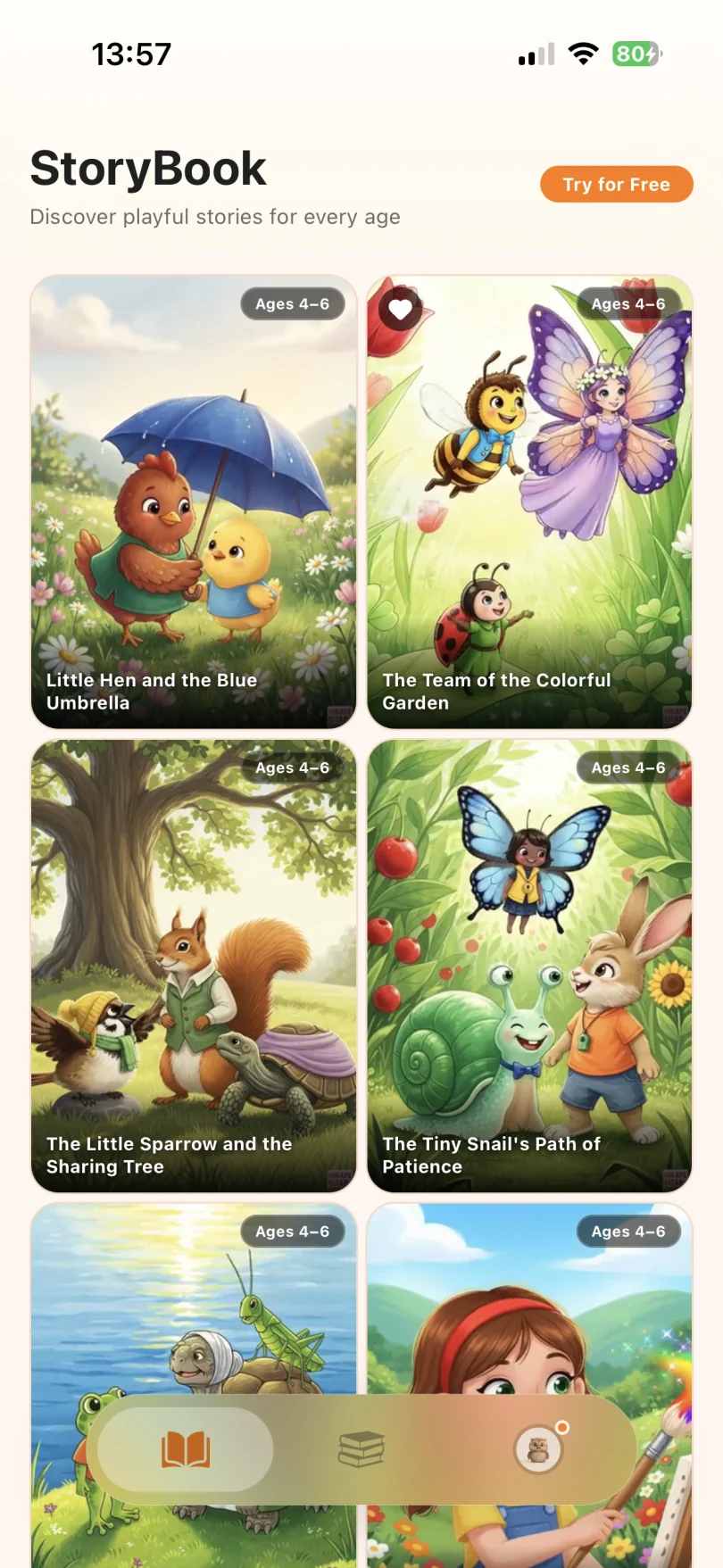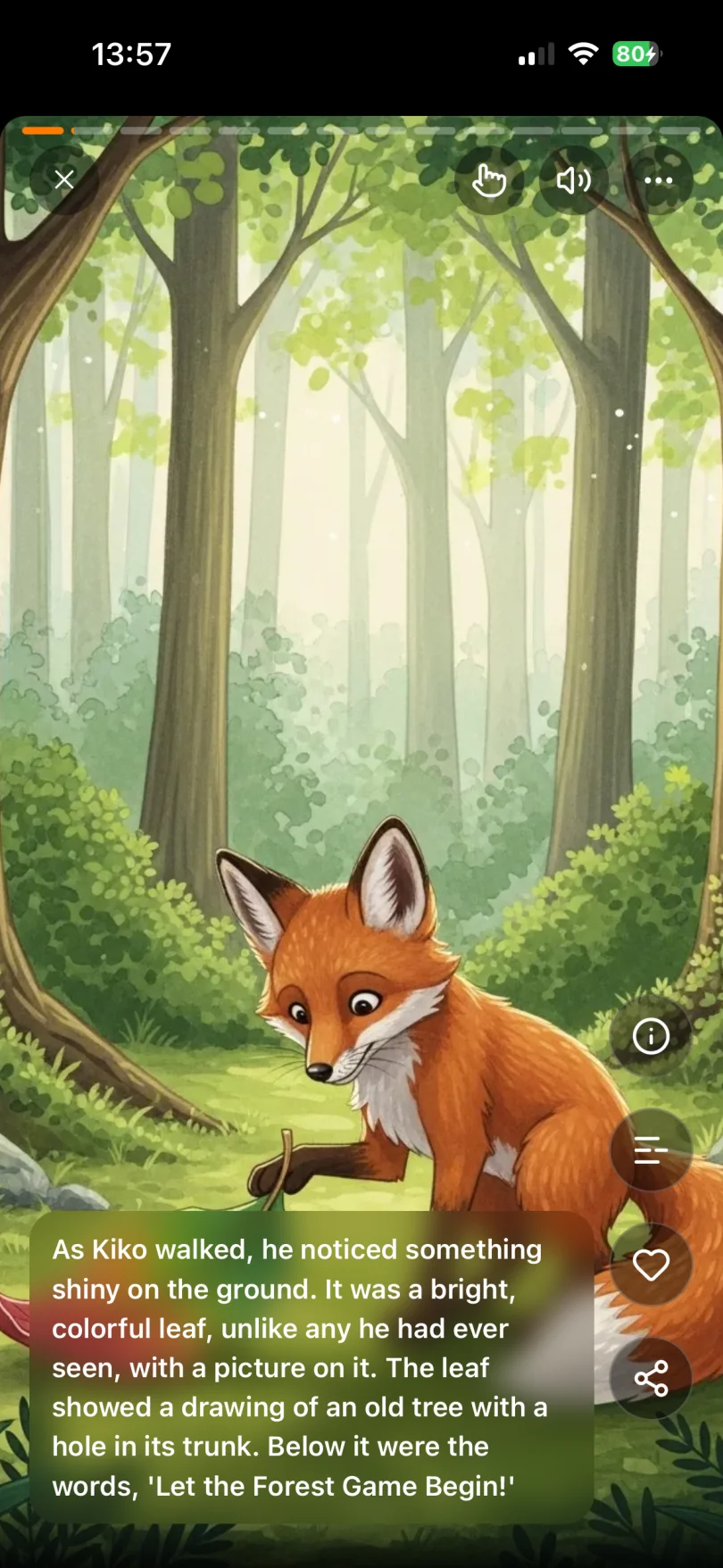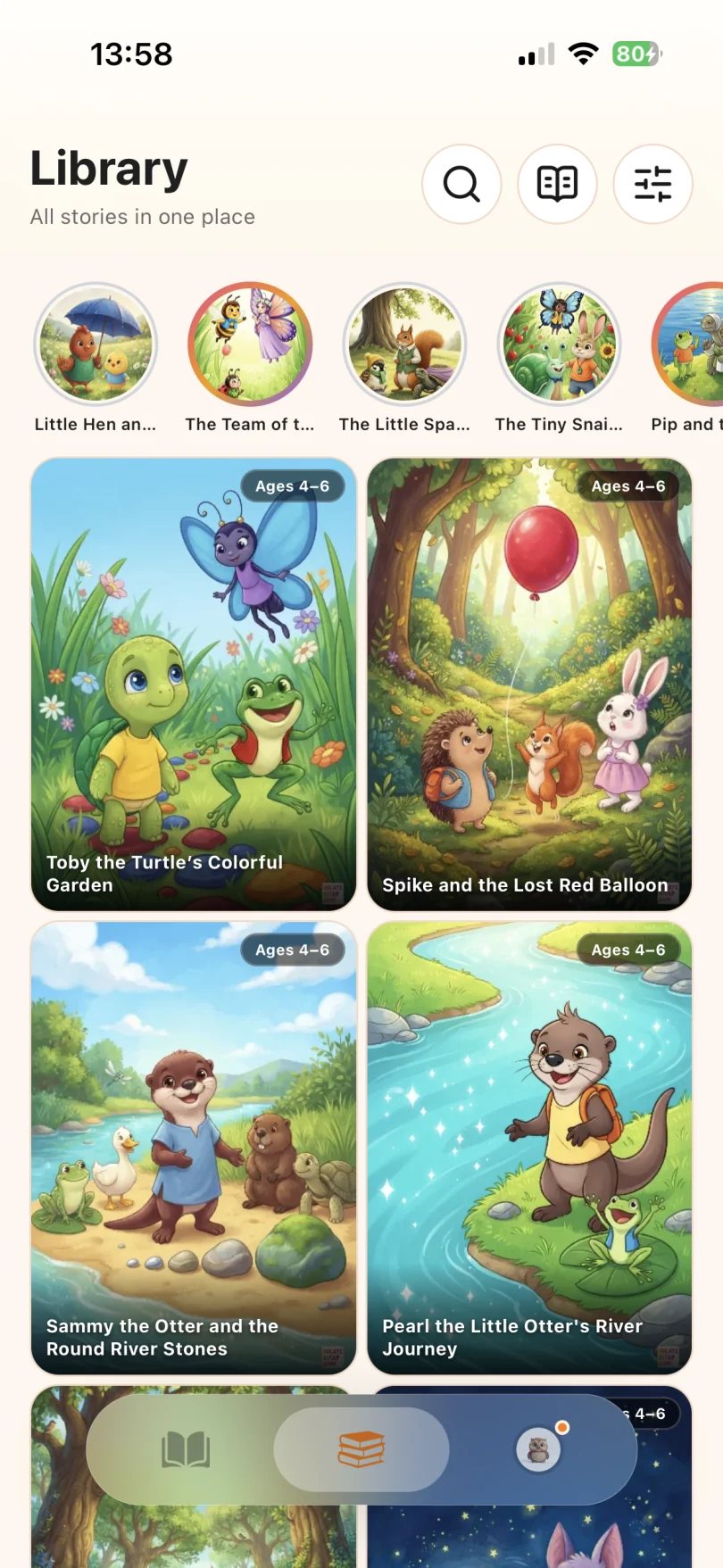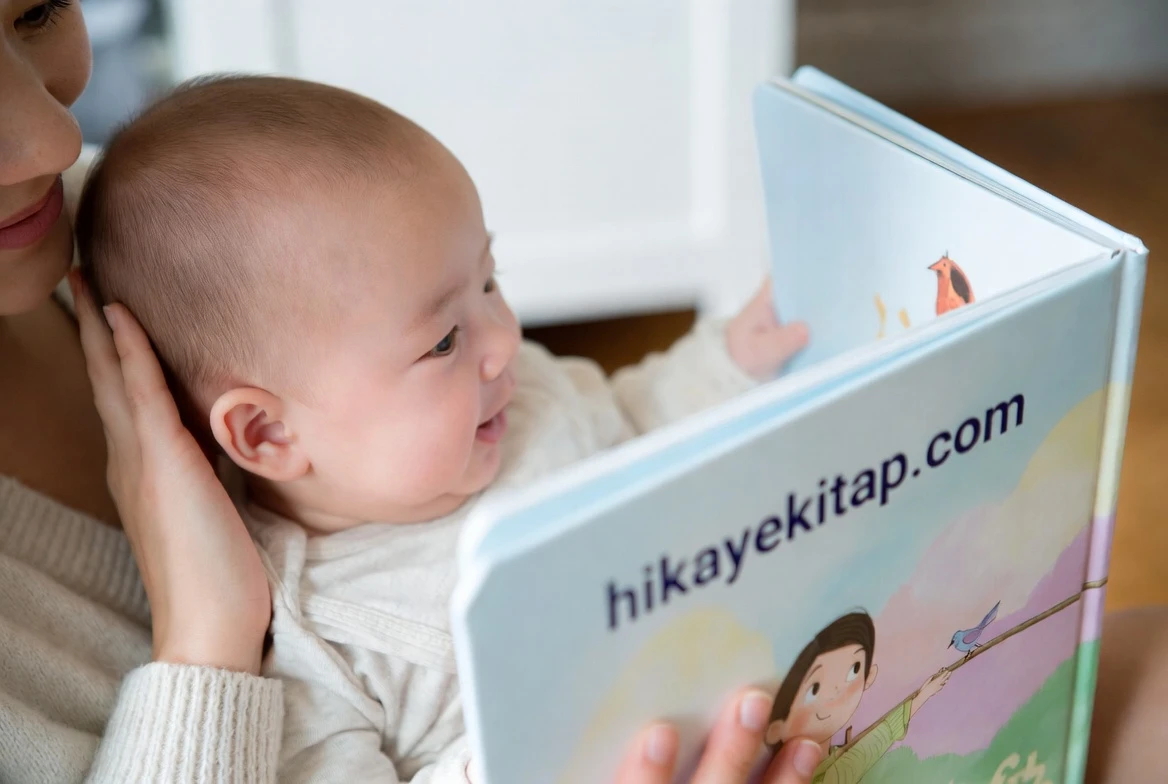
E-books for kids on HikayeKitap are free illustrated picture books, mostly 10-15 pages, with 1-4 minutes of audio narration. Each one opens in an online flipbook reader, plays with narration, and can be downloaded as a free PDF to read offline or print. There’s an iOS and Android app, too.
This guide is about using digital books well: which format fits which moment, how to set up a device so reading stays reading, and how the approach changes from toddlers to independent readers. If your main concern is finding free books in the first place, our guide on where to find free children’s books covers that.
Four Formats, Four Jobs
- Online flipbook: The quickest way in. Good for browsing, for reading together on a tablet, and for kids who like turning pages on screen.
- Audio narration: Reads the story aloud. Ideal for pre-readers, for new readers following along with a finger, and for English learners who need to hear pronunciation.
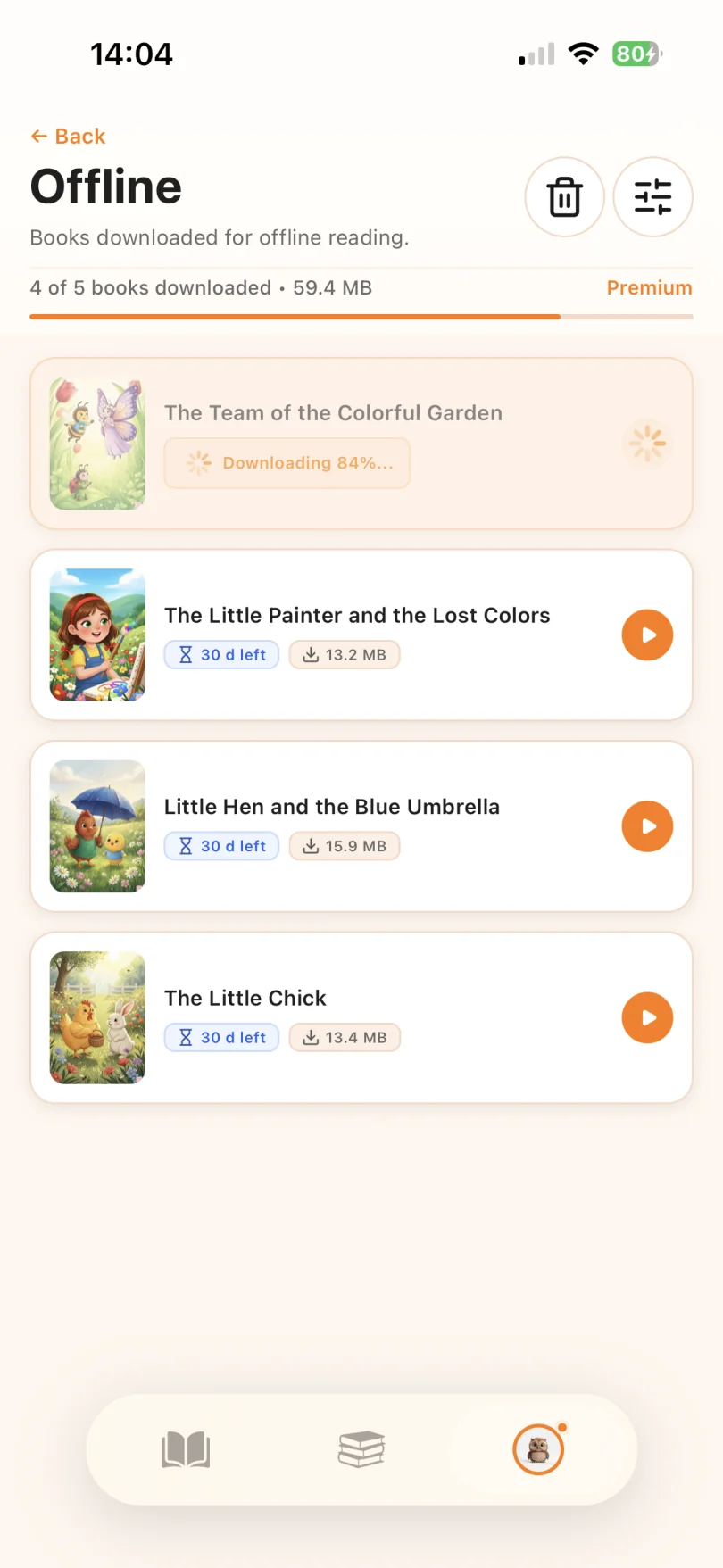
- PDF download: Works offline and prints. Use it for travel, for reading in bed without a bright screen, and for kids who want to underline, circle words, or keep a paper copy.
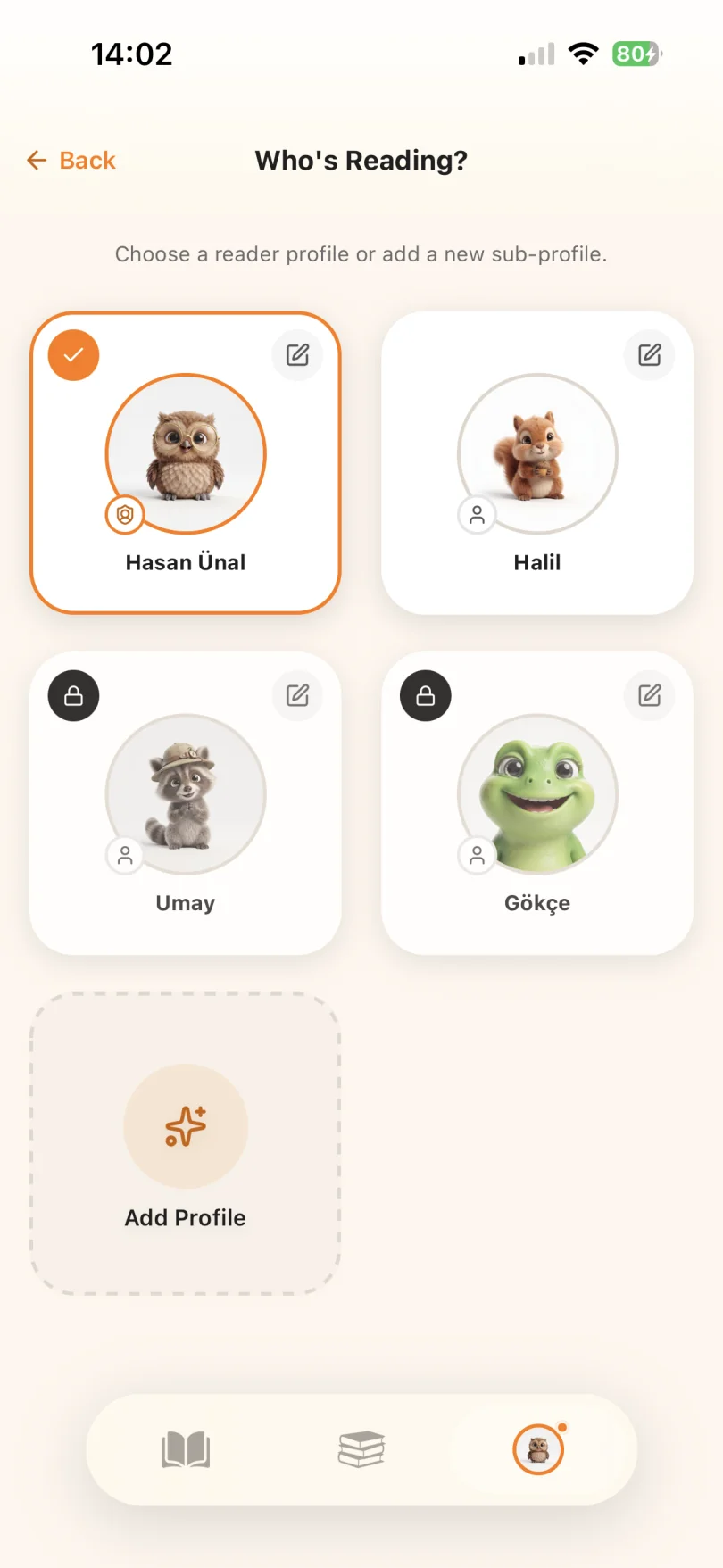
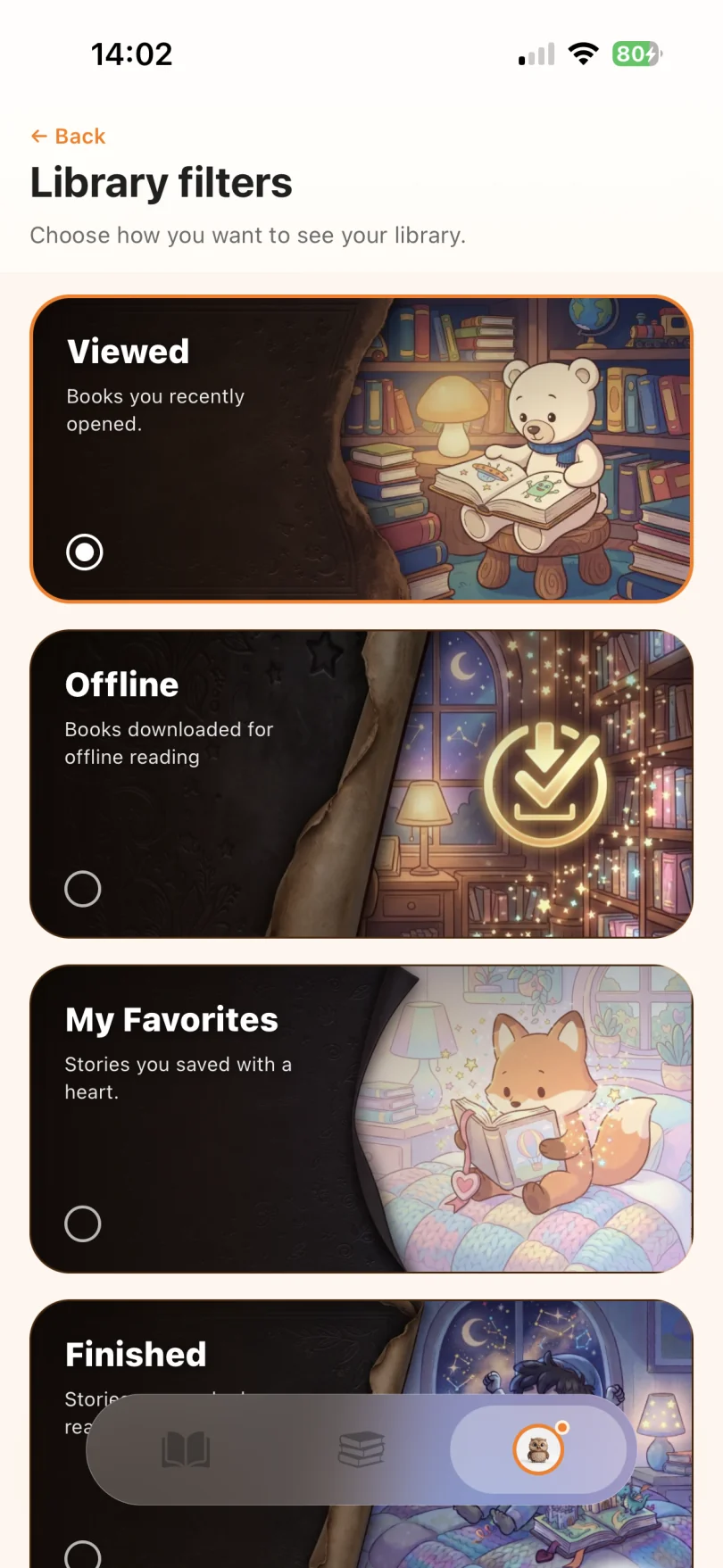
- Mobile app: The same library on a phone or tablet, handy when you’re away from a computer.
You don’t have to pick one. A common pattern is: listen on day one, read together on screen on day two, and read the printed copy alone on day three.
10 Free E-Books to Start With
These cover ages 0-9 and show off what short digital picture books do well: clear pictures, a few sentences per page, and stories that work just as well read aloud as on paper.
| Book | Age | Level | Pages | Time |
|---|---|---|---|---|
| The Little Train Cars | 0-3 | A1.1 | 12 | 54 sec |
| HopHop the Sharing Rabbit | 4-6 | A2.1 | 10 | 1 min 54 sec |
| The Little Chick | 4-6 | A2.1 | 12 | 1 min 56 sec |
| The Kites’ Song | 4-6 | A2.1 | 12 | 2 min 6 sec |
| Mama Daisy and the Secret Song | 4-6 | A2.1 | 12 | 2 min 21 sec |
| Phinney the Little Elephant and the Whisper Game | 4-6 | A2.1 | 12 | 2 min 43 sec |
| Little Gigi the Giraffe and the Colorful Ribbons | 4-6 | A2.1 | 10 | 2 min 55 sec |
| The Mystery of the Glowing Stone | 4-6 | A2.1 | 12 | 3 min 5 sec |
| Colors Around Us | 7-9 | A1.1 | 12 | 3 min 9 sec |
| Merve’s School Bag Countdown | 7-9 | A2.2 | 12 | 3 min 34 sec |
Setting Up a Device for Reading
A tablet can be a great book or a great distraction. A few minutes of setup makes the difference:
- Open the book first, then hand it over. Kids are less likely to wander if the story is already on screen.
- Use single-app mode if your device has it. Many tablets and phones have a feature (often called guided access or screen pinning) that keeps the screen locked to one app until an adult unlocks it.
- Silence notifications during reading time.
- Lower the brightness in the evening, or switch to the printed PDF for bedtime.
- Download PDFs before trips so there’s no need to go online in the car or on a plane.
Digital Reading by Age
Ages 0-3: Very short books like The Little Train Cars (under a minute of narration). Read together on your lap and point at the pictures. Pediatric guidance generally recommends keeping screen media to a minimum at this age, so a printed PDF or reading aloud from the screen yourself is often the better choice.
Ages 4-6: Narration really helps here. Let your child press play, then follow along with a finger. Afterward, ask them to tell you the story using the pictures.
Ages 7-9: Kids start reading alone. Switch the narration off for a second read. Use the five-finger rule to check difficulty: if your child can’t read five or more words on a page, the book is better as a listen-along for now.
Ages 10-12: Our most advanced books are short B1-level stories, so they’re best as quick reads next to longer chapter books.
A 4-Week Digital Reading Routine
Pick a fixed time, 10-15 minutes a day, and follow the listen, read together, read alone cycle with each book.
| Week | Books | Format focus |
|---|---|---|
| Week 1 | The Little Train Cars, HopHop the Sharing Rabbit, The Little Chick | Online reader with narration |
| Week 2 | The Kites’ Song, Mama Daisy and the Secret Song | Narration first, then read together on screen |
| Week 3 | Phinney the Little Elephant and the Whisper Game, Little Gigi the Giraffe and the Colorful Ribbons, The Mystery of the Glowing Stone | Printed PDF, child marks words they know |
| Week 4 | Colors Around Us, Merve’s School Bag Countdown | Child chooses the format and explains why |
Week 4’s question, “Which way do you like reading best, and why?”, is worth asking. Kids are often clear about it, and their answer can shape your routine. Track finished books on the printable reading log; a full log earns a reading certificate, and a free account saves badges and reading history automatically.
How to Download the PDF
- Click a title in the table above.
- On the book page, tap the PDF download button.
- Save it to your device for offline reading, or print it on A4 or US Letter paper.
Printable coloring pages are available for many stories, and every free download is collected in the free PDF children’s books library.
Questions to Ask After Reading
- HopHop the Sharing Rabbit: Who helped HopHop save his carrot? What did HopHop learn about sharing?
- The Mystery of the Glowing Stone: What happened to the stone’s light when Bibi shared it with friends? What else gets “bigger” when you share it?
- Phinney the Little Elephant and the Whisper Game: Why did Phinney need to learn to use a quieter voice? Can we play the whisper game now?
- Little Gigi the Giraffe and the Colorful Ribbons: How did Gigi and Phinney sort the ribbons? Let’s sort some socks or crayons the same two ways.
- Merve’s School Bag Countdown: What did Merve pack for her first day of school? Let’s count what goes in your bag tomorrow.
More to Explore
Find more e-books by age on the 0-3, 4-6, and 7-9 shelves. For safety and privacy tips, read digital children’s books: free and safe reading tips, and for sources beyond our library, see where to find free children’s books.