Defne, Mert, Sarp, and Idil observe the water cycle with a simple experiment and learn evaporation, condensation, and...
Usage Tips
- Click the page or use arrow keys to turn pages.
- Use the Listen button for narration.
- With Auto Audio on, narration advances automatically.
- Use the slider to jump quickly.
- Toggle 3D On/Off for perspective.
- Lock disables page turns temporarily.
- Fullscreen for better focus.
- Use the Font Size button to adjust text size between 14px and 30px.
Digital Map Explorers


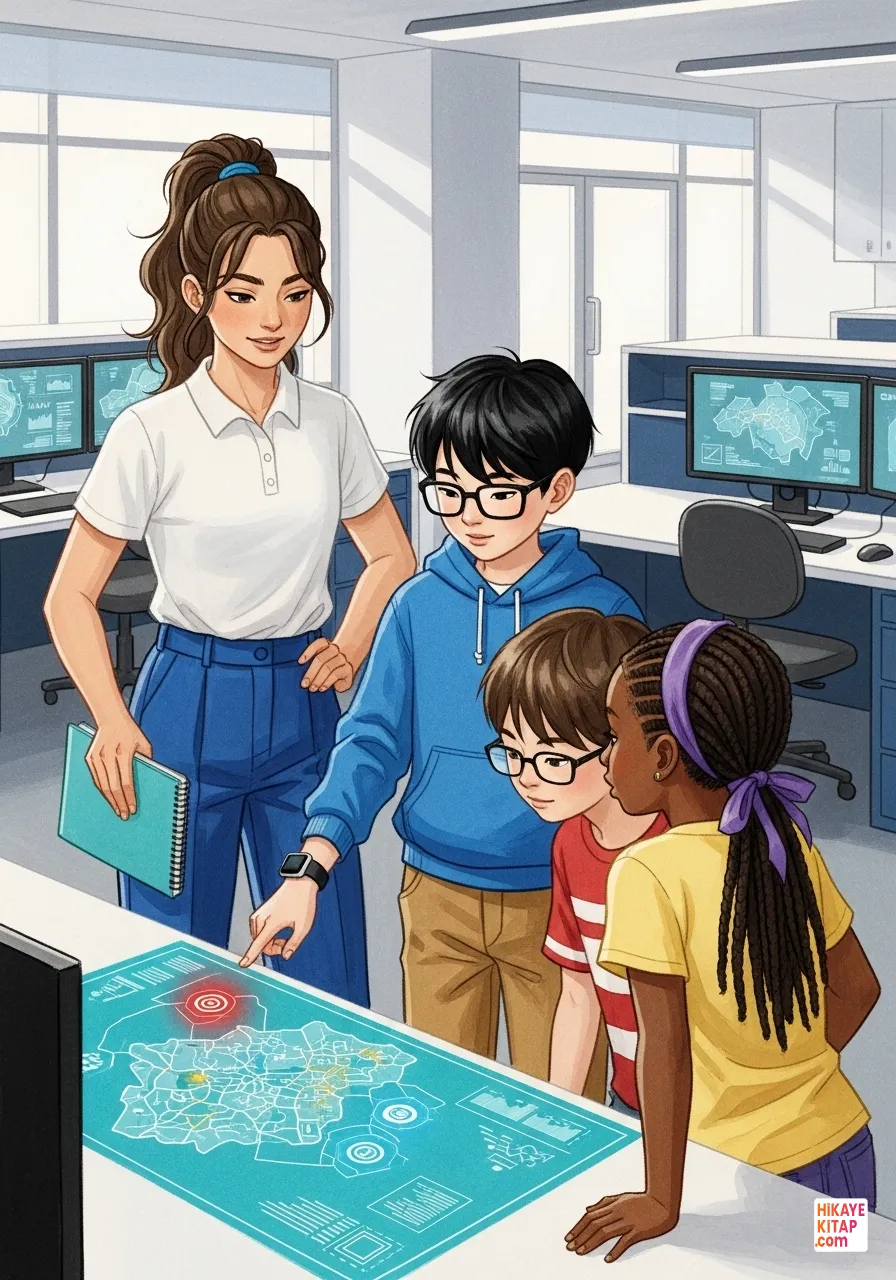
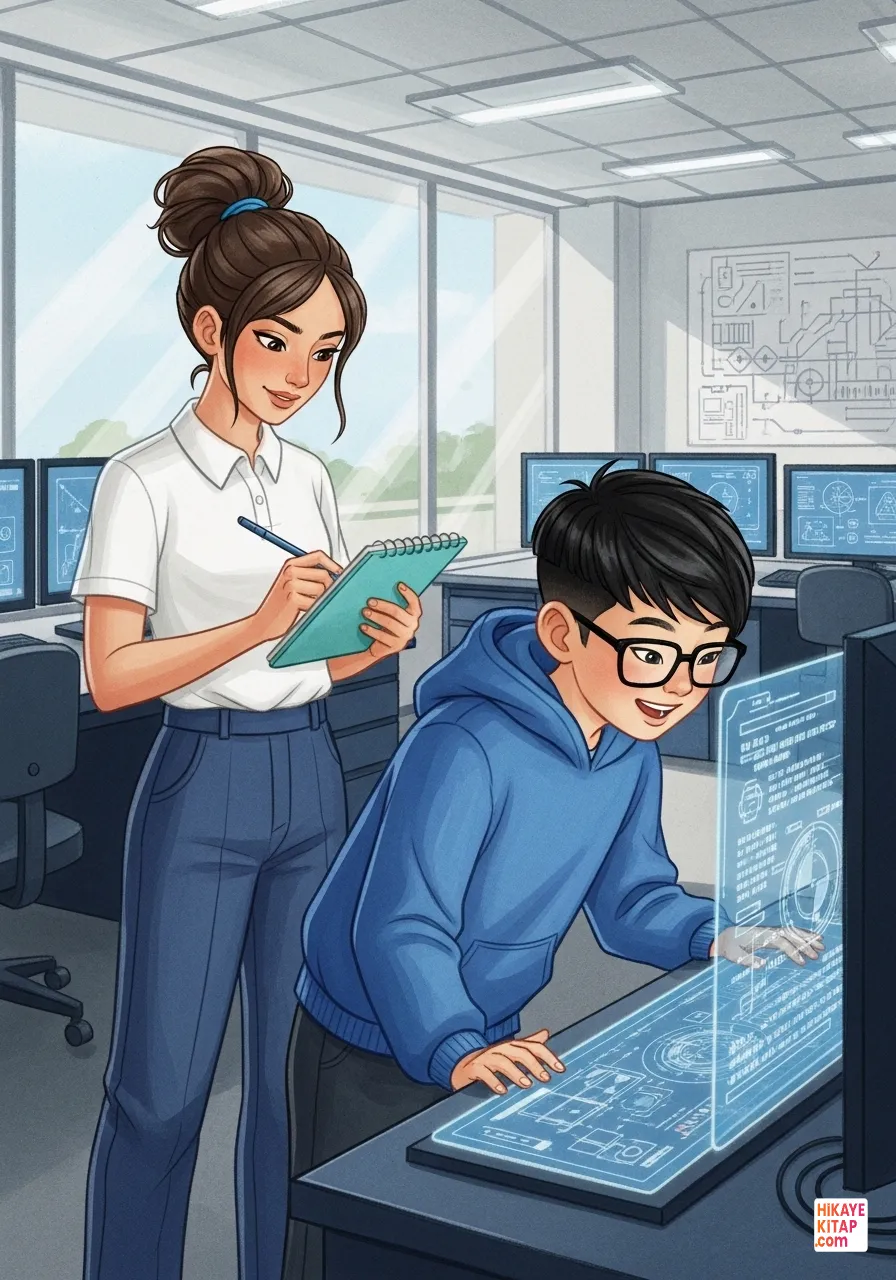
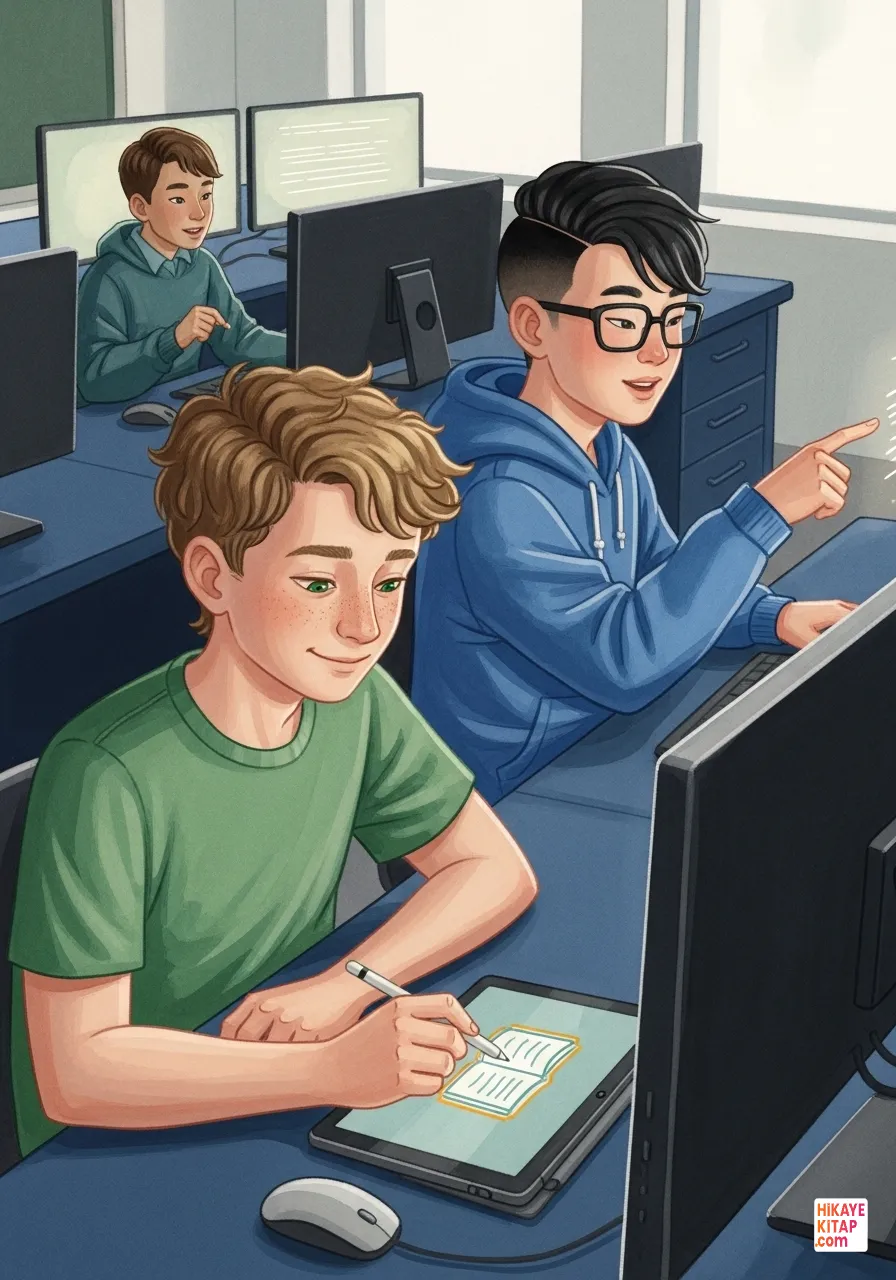
The story begins with a project where students transform their school surroundings into a digital map. In the school’s tech lab, an exciting announcement was made, introducing the "Know Our Neighborhood" initiative. Talya quickly jotted down headings in her digital notebook, while Ediz smiled at the lines of code appearing on his monitor. This wasn't just a simple homework assignment; it was the start of a grand digital adventure.


To succeed, they needed a specialized team. Talya, the organized leader, gathered everyone to discuss their roles. She knew that every great map started with a clear plan and strong coordination. She turned to İdil, the most detail-oriented observer she knew. "İdil, we need your sharp eyes to make sure we don't miss a single landmark," Talya said, pointing to a physical map of the area.


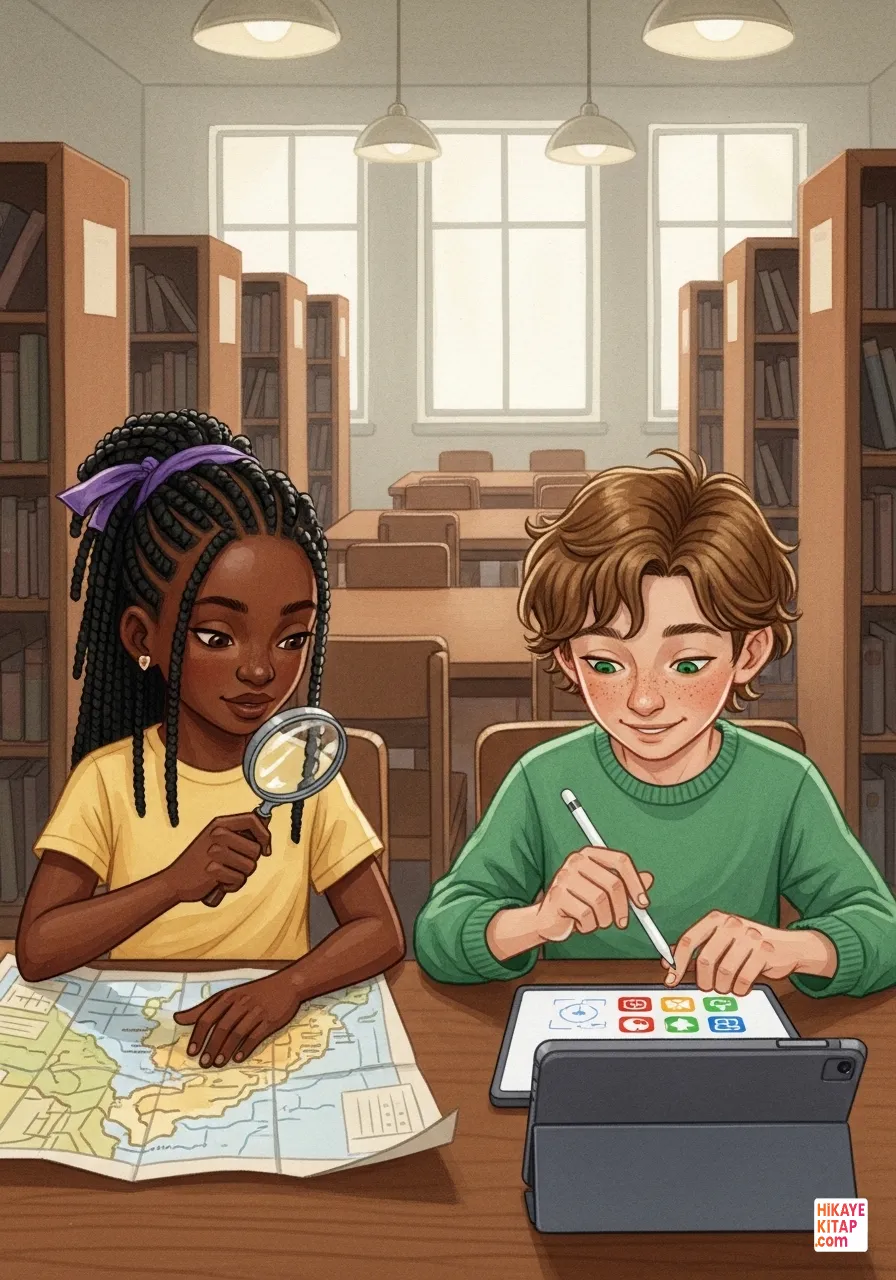
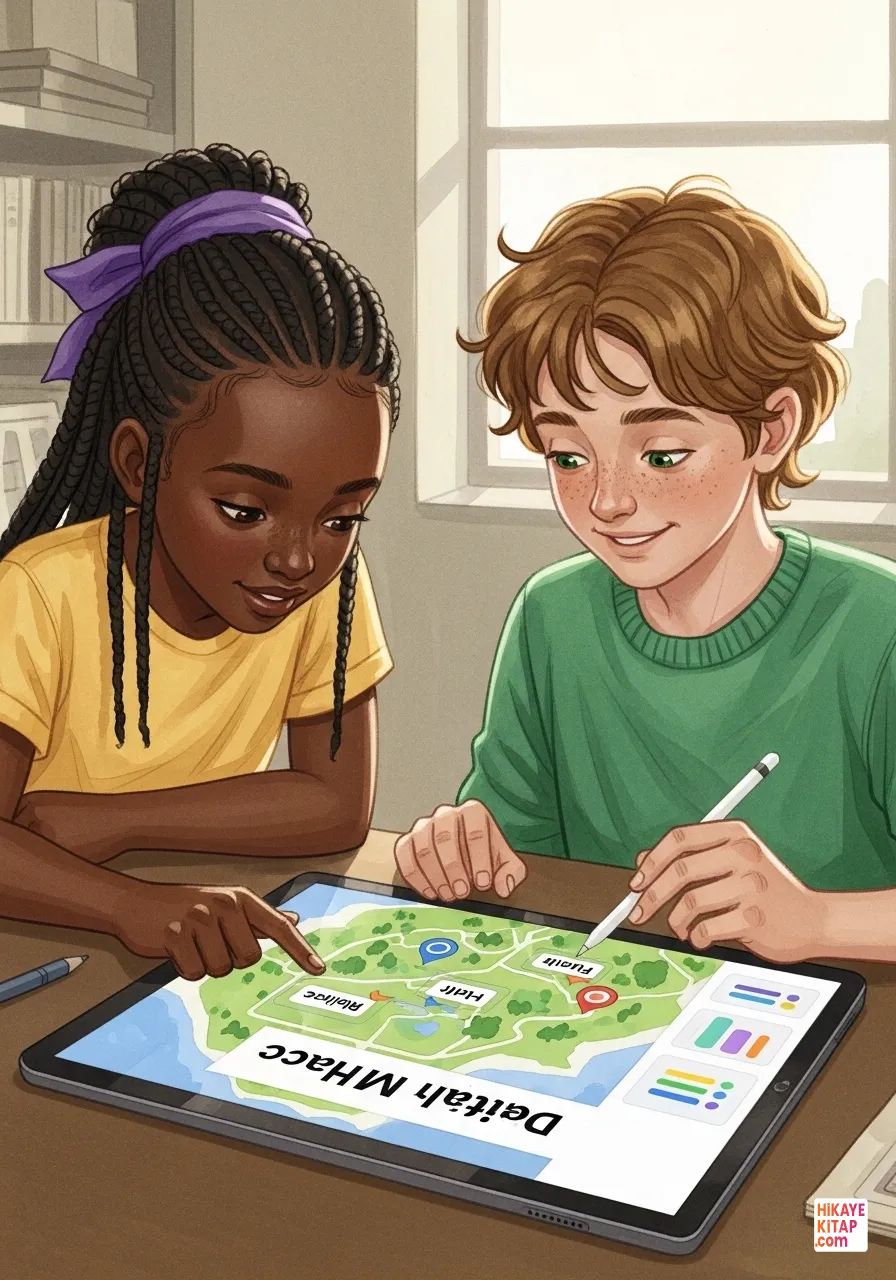
While the girls planned the logistics, Ediz and Kuzey focused on the digital architecture. Ediz was the tech-savvy expert who understood how the software worked, and Kuzey was the creative designer who could make information beautiful. "I’ll handle the GPS integration," Ediz explained, showing Kuzey a small sensor. Kuzey nodded, already sketching out vibrant color palettes on his tablet.


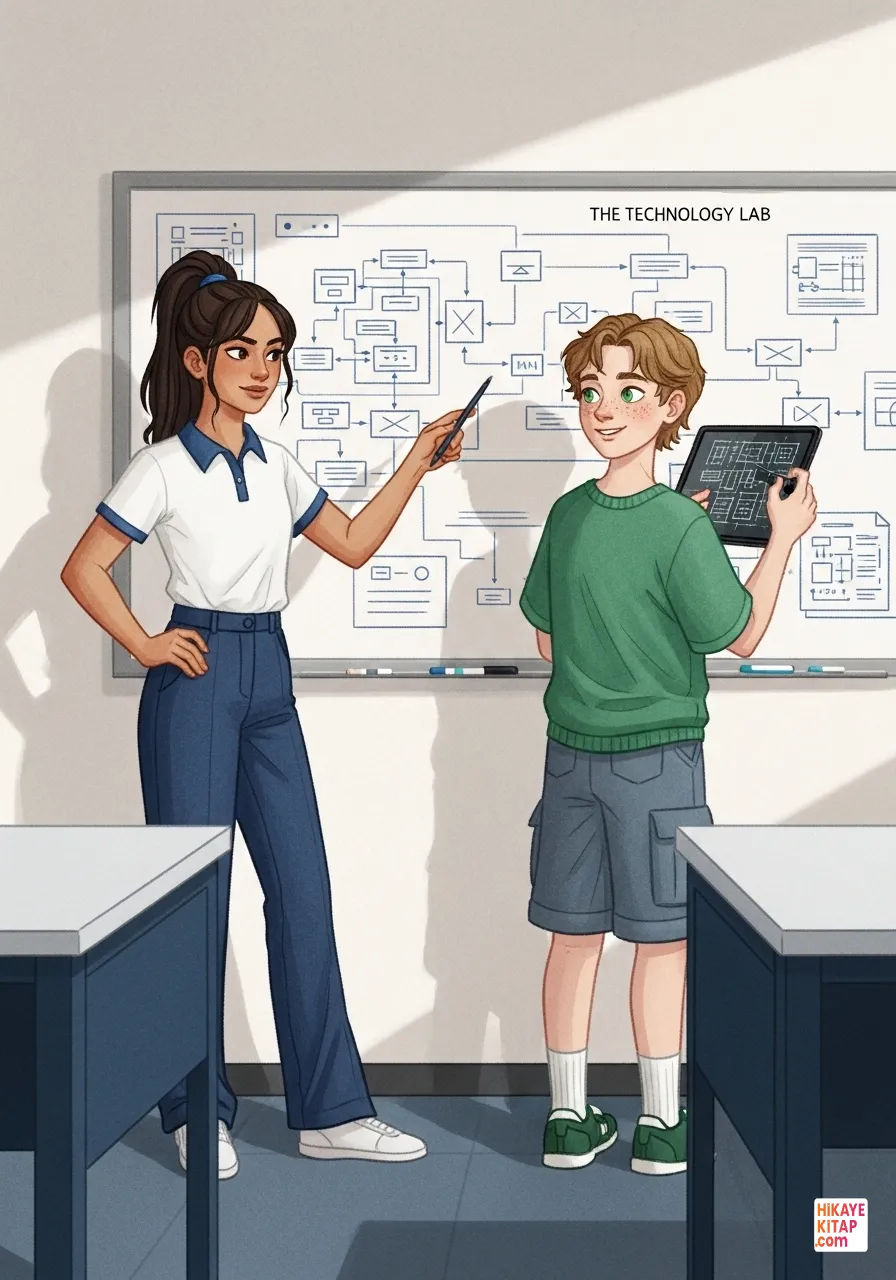
The planning stage was the most critical step. Talya and Kuzey worked together to create a virtual grid over the neighborhood. "Before we collect data, we need a structure," Talya insisted. Kuzey used his design tools to overlay a transparent blue grid onto the blank digital canvas, ensuring every shop, park, and path would have its exact place.


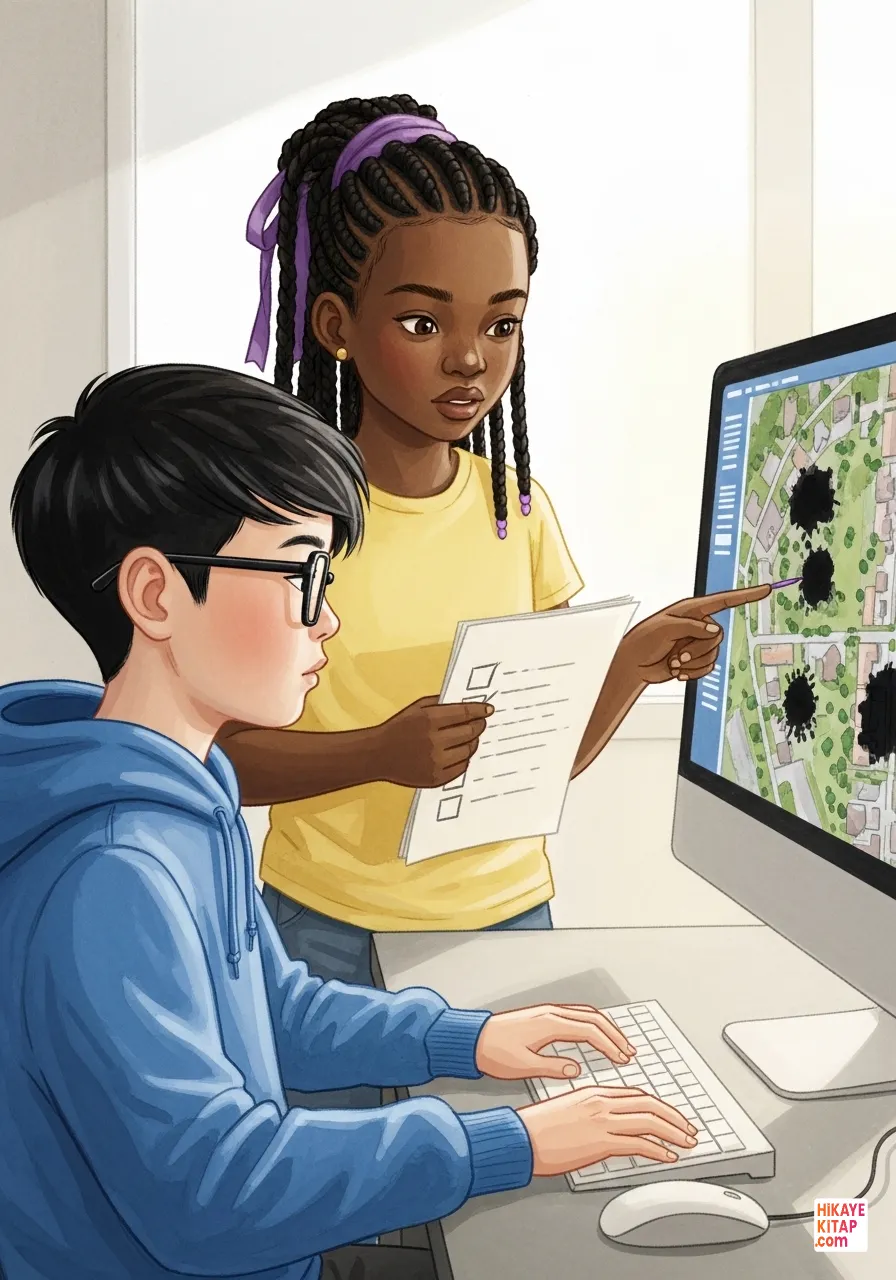
It was time for data collection. Ediz uploaded the existing satellite imagery into their system, but they immediately hit a snag. The images were blurry and outdated, and some of the newer streets were completely missing. İdil stood by his side, checking her initial list. "The satellite can only see so much," she noted. "We have to bridge the gap between the screen and the street."


Before heading outside, the team prepared their field equipment. İdil and Kuzey checked the calibration of their tablets and made sure their portable chargers were ready. "Safety and accuracy are our top priorities," İdil reminded him as she adjusted her bright yellow safety vest. Kuzey checked his digital stylus one last time, making sure the pressure sensitivity was perfect for field sketching.


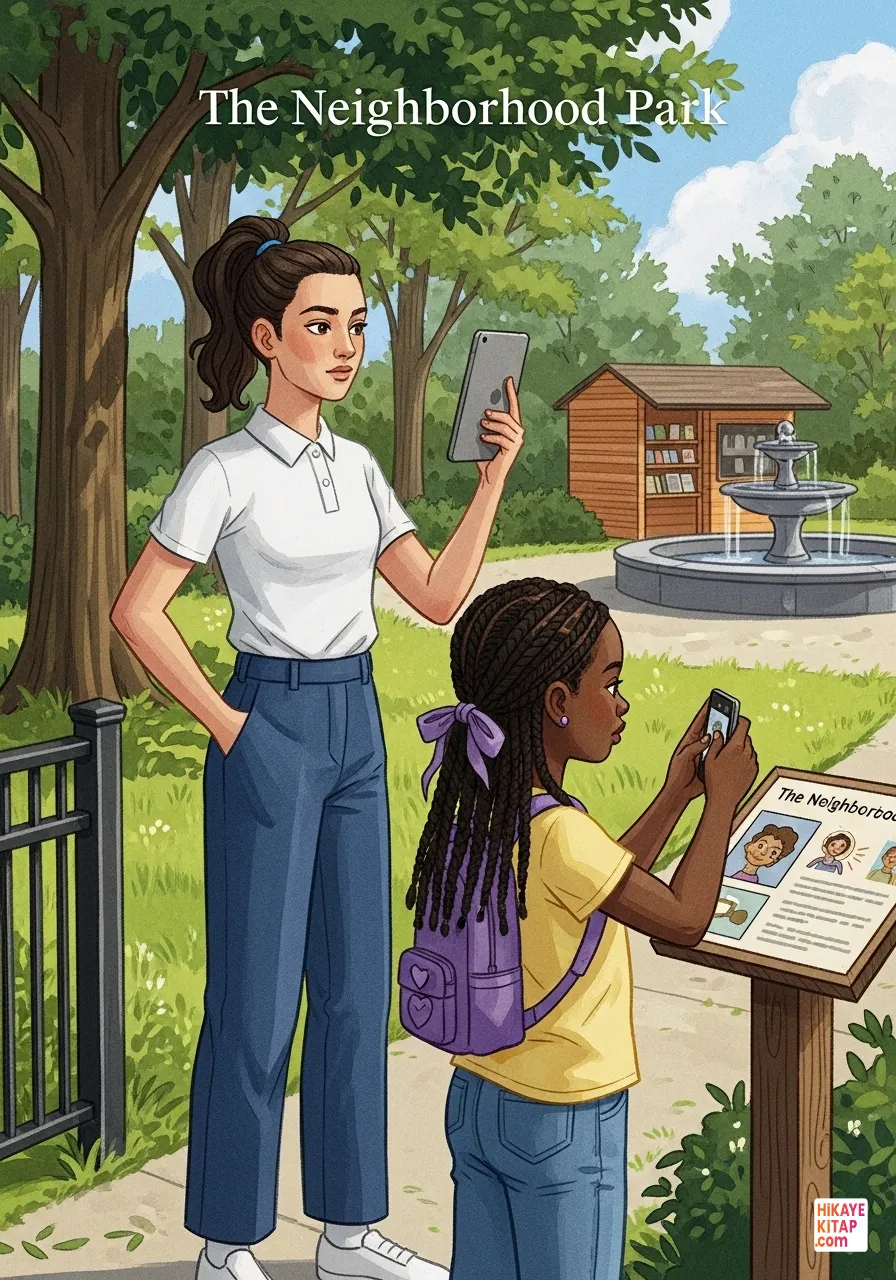
The team stepped out for field observations. Talya and İdil headed to the local park near the school. On the old satellite map, it looked like a simple green patch. However, once they arrived, they discovered it was home to a small community library and a historic stone fountain. Talya logged the coordinates on her tablet while İdil noted the fountain's exact position.


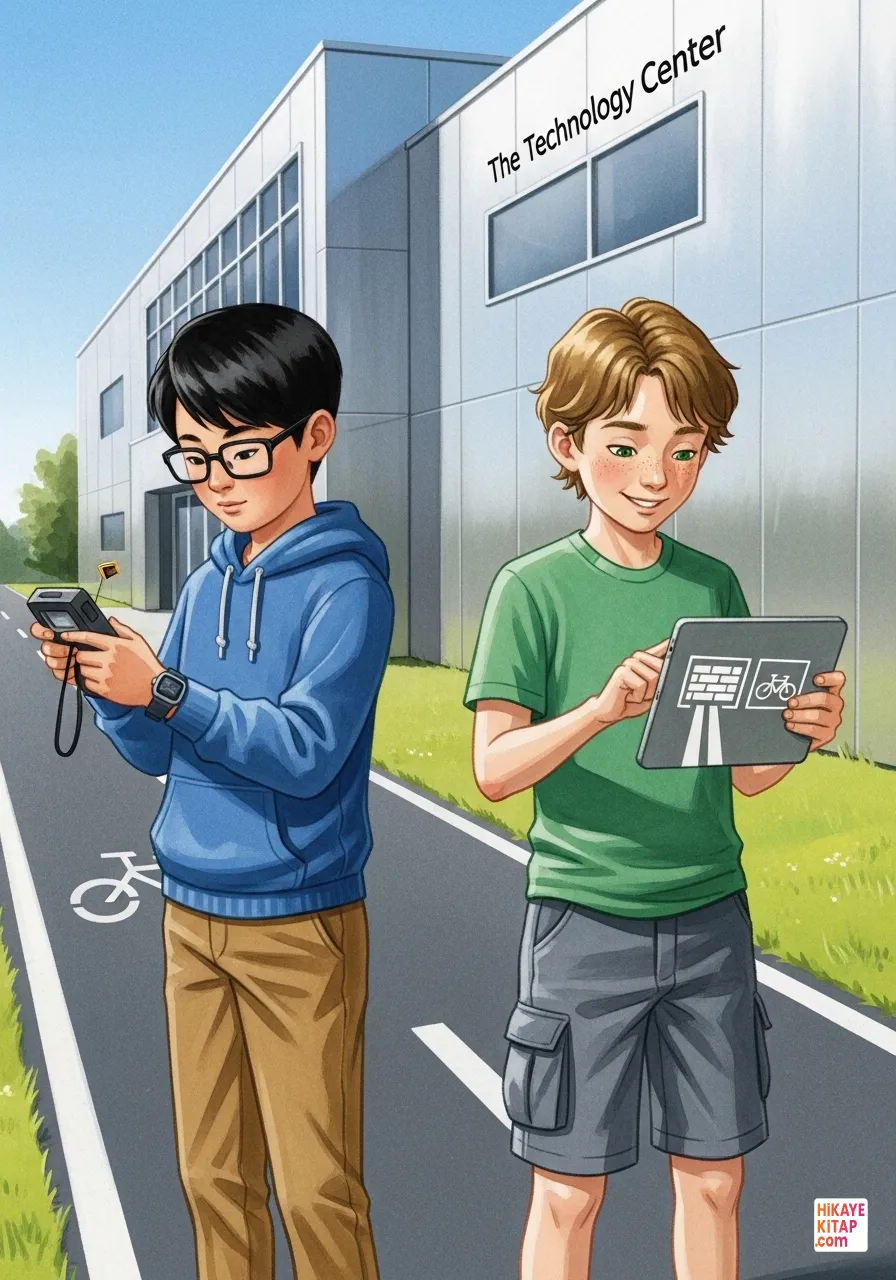
Meanwhile, Ediz and Kuzey explored the other side of the neighborhood near the tech center. The digital map showed a solid wall where a wide bike path actually existed. Ediz used a handheld GPS device to correct the signal errors and enter the new coordinates. Kuzey immediately updated the visual layer, transforming the "wall" into a vibrant blue path for cyclists.


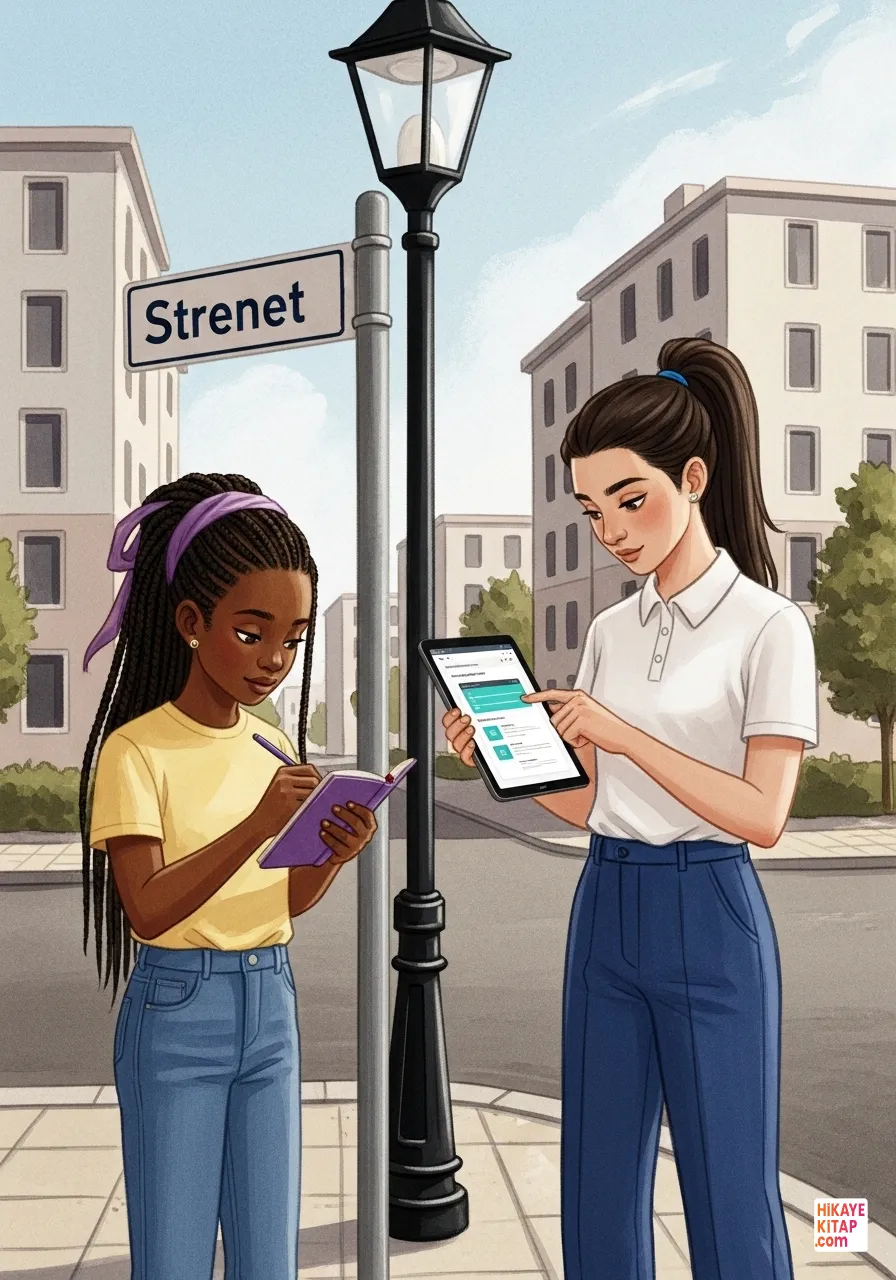
As they gathered more data, they focused on verification. İdil noticed that a street sign was spelled differently than in the official records. She and Talya decided to verify the information using the city's open data portal. "Accuracy is the heart of a good map," Talya said. By cross-referencing their field notes with official records, they ensured their map was the most reliable one available.


Back in the lab, the development phase went into high gear. Ediz and Kuzey worked on the visual interface. Using the coordinates the team collected, Kuzey created custom icons, such as a tiny steaming loaf for the bakery and an open book for the library. Ediz wrote the code to make these icons pop up when a user hovered over them.


During a system test, Talya noticed a problem. The map was loading very slowly because of all the high-resolution images. "We need to optimize the data," she told Ediz. Ediz spent the afternoon cleaning up unnecessary background files and compressing the images, making the app run smoothly. Solving technical problems only made the team stronger and more resilient.


İdil and Kuzey focused on the user experience for the final touches. İdil scanned every single label to ensure they were placed correctly and were easy to read. Kuzey added a colorful, user-friendly navigation menu. They wanted to make sure that anyone, from a young student to a grandparent, could navigate their neighborhood with ease.


Before the final presentation, the team conducted a beta test. Talya and Kuzey walked the route around the school using their newly created app. "Look, it shows the shortcut through the garden perfectly!" Kuzey exclaimed. They watched the digital marker move in real-time as they walked, proving that their hard work in data collection and coding had paid off.


The day of the big presentation finally arrived. The school assembly hall was packed with students and teachers. Talya and Ediz took the stage, projecting their digital map onto a giant screen. The audience gasped in delight as they saw their neighborhood rendered in such vivid, accurate detail. The project received a thunderous round of applause from everyone.


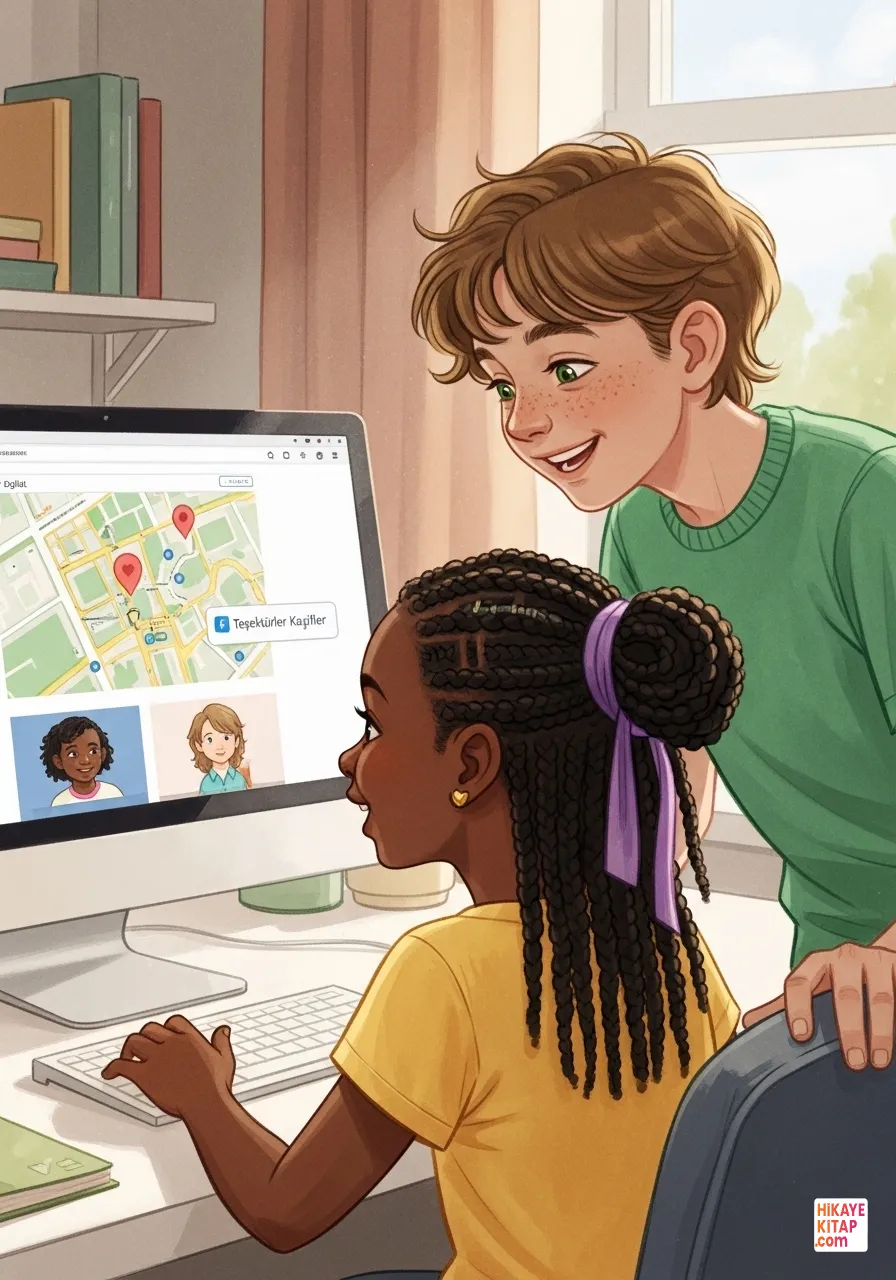
The map was uploaded to the school's website, where it became a vital tool for the entire community. The "Digital Map Explorers" had learned that technology is most powerful when it is built on teamwork and truth. They realized that accessing and sharing information correctly turns technology into a useful tool for everyone.